Wheelchair Function
Wheelchair Function (Mode)
Wheelchair mode is designed to prevent foot dragging when a user is using a wheelchair. This mode unidirectionally locks the knee at a specific angle when the user is seated.
Enable Wheelchair Mode
Wheelchair mode, as an option, is toggled off by default and can be toggled on via the Intuy App.
To enable this option,
- Open the SETUP tab,
- Open Options accordion and
- Enable the Wheelchair mode by toggling the function on.
Note: Screenshots are from Intuy App version 5.3.0. To get the latest features, please update your Intuy App and Intuy Knee device. Learn more about how to update the Intuy App here: link.

1. Open Setup tab

2. Open Options accordion and toggle Wheelchair mode on

3. Wheelchair mode is enabled
Activate Wheelchair Mode
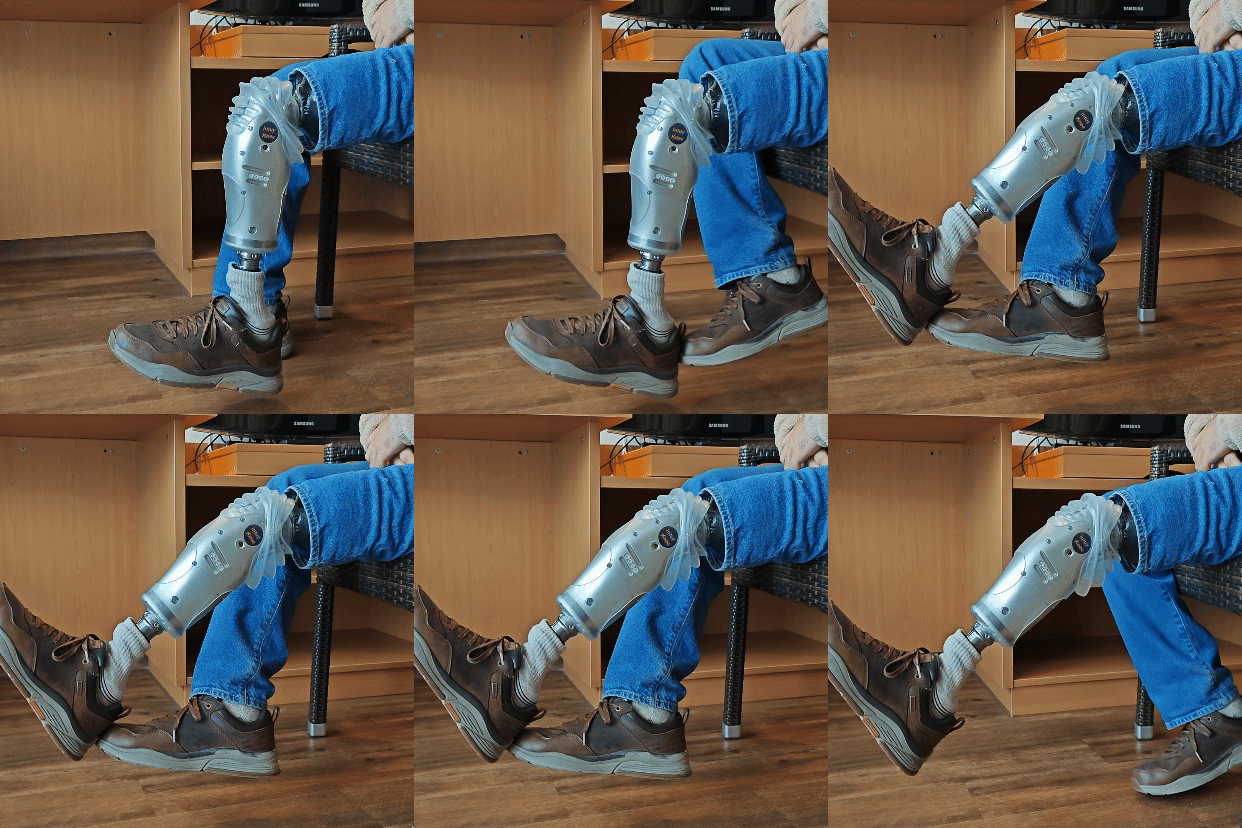
Wheelchair mode is only possible, while the knee is in sleep mode, mostly when a user is seated.
While seated,
- lift the knee between 7° and 55° (allowed range), in a smooth and monotonic manner, and
- keep the knee at the desired angle for one second.
- The knee will emit three beeps, indicating that the mode is activated.
Note: The user must lift the knee to the desired angle and maintain that position briefly. If the user extends the knee outside the allowed range, or didn't hold the leg still briefly, the mode will not engage. To engage Wheelchair mode again, lower the leg to vertical position and begin the movement again.

Deactivate Wheelchair Mode
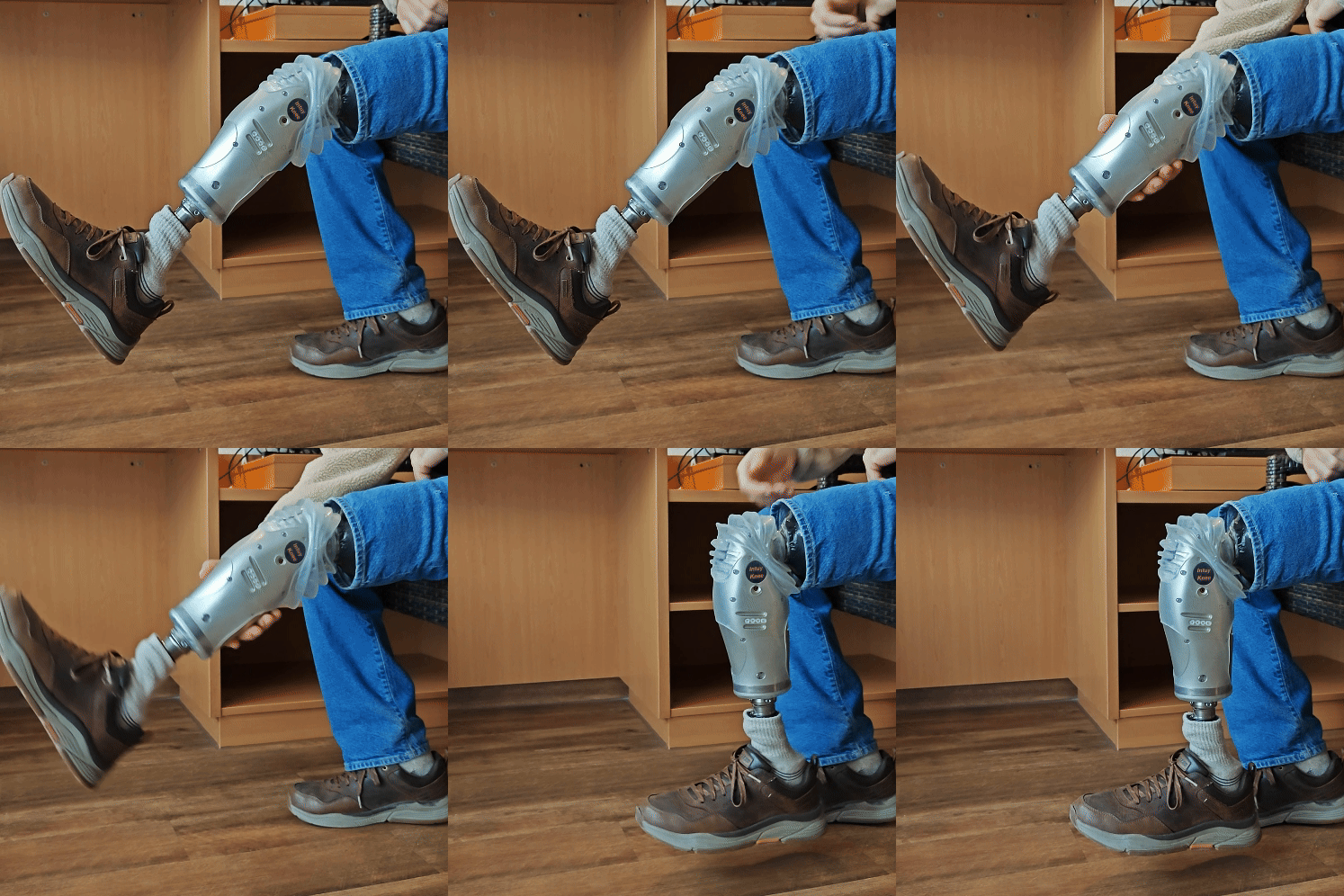
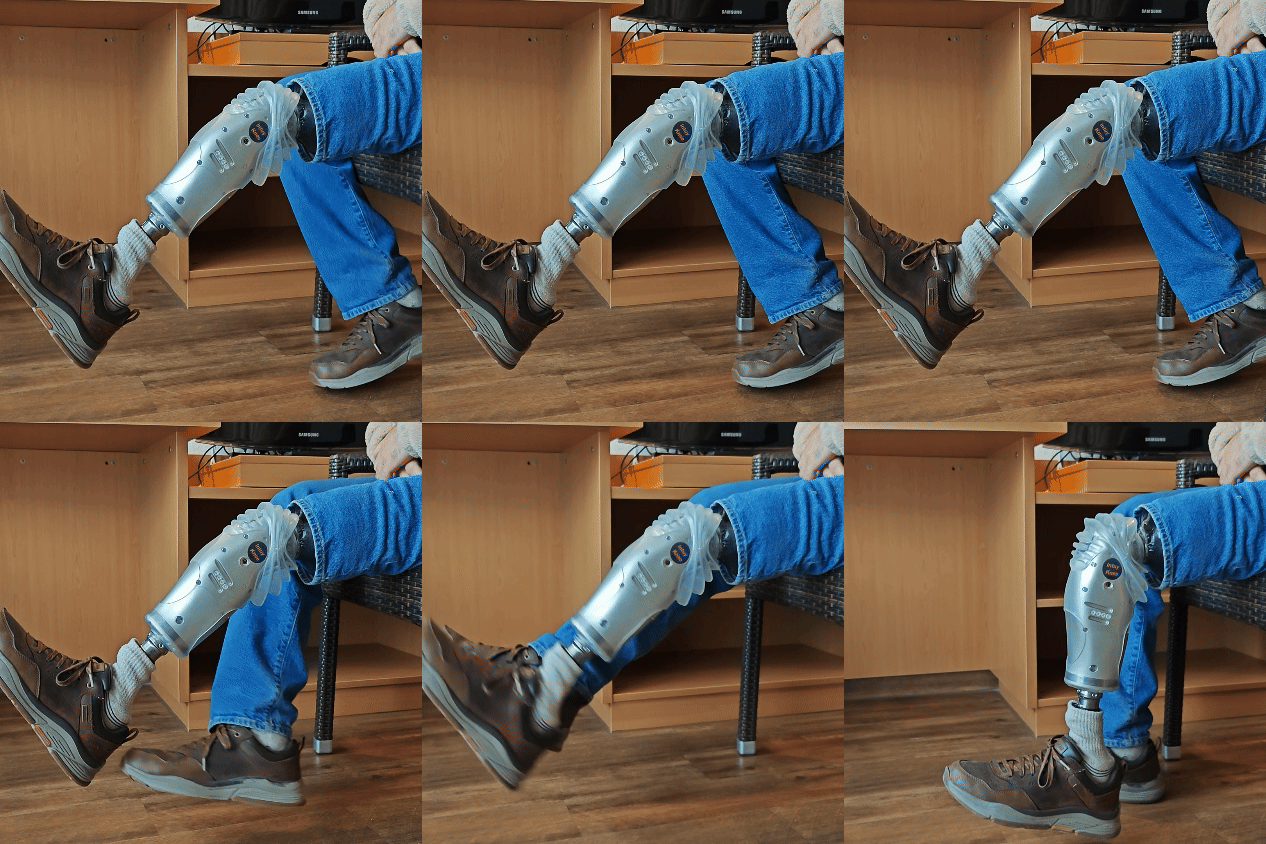
Lift the lower leg and let it go. The leg will drop down, and the knee emits three beeps to indicate that the mode is deactivated.
目前没有任何评论。
成为第一个发表评论的人。